Install on your hardware
Flash or SSH into supported Debian 12 ARM64 hardware, run the install command, and reach the web UI on port 5001.
Install →Set up cameras
Discover cameras, check their views, calibrate intrinsics, and place them on the robot for a usable field pose.
Cameras →Publish AprilTag pose
Send robot pose to NetworkTables so your drive code can consume it, then keep it healthy on match day.
NetworkTables →Extending EagleEye or adding an operation? Developer Docs
See what the system is doing
Open http://<device-ip>:5001 from a laptop on the robot network. The UI covers camera setup, pipeline editing, live status, and device controls.
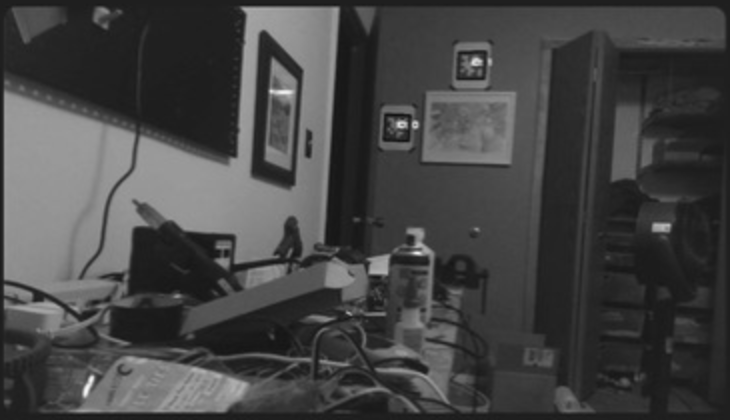
See live detections
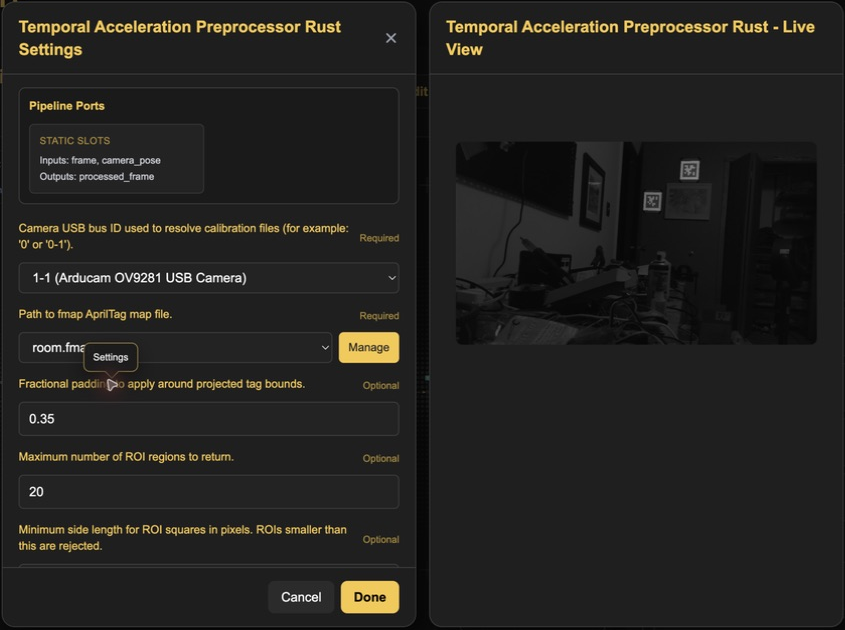
Open an operation to inspect its output while the pipeline runs.
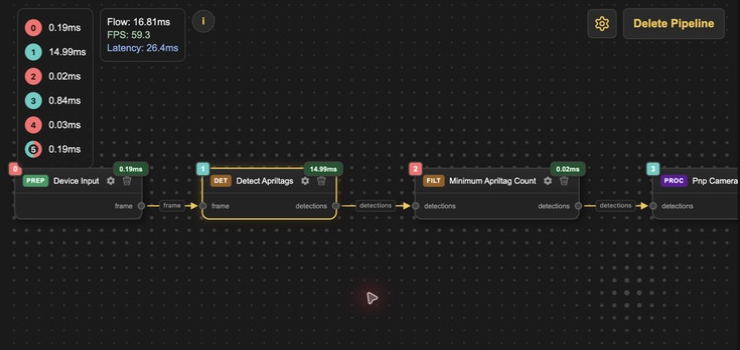
Build the graph
Wire camera input, AprilTag detection, pose, and NetworkTables output.
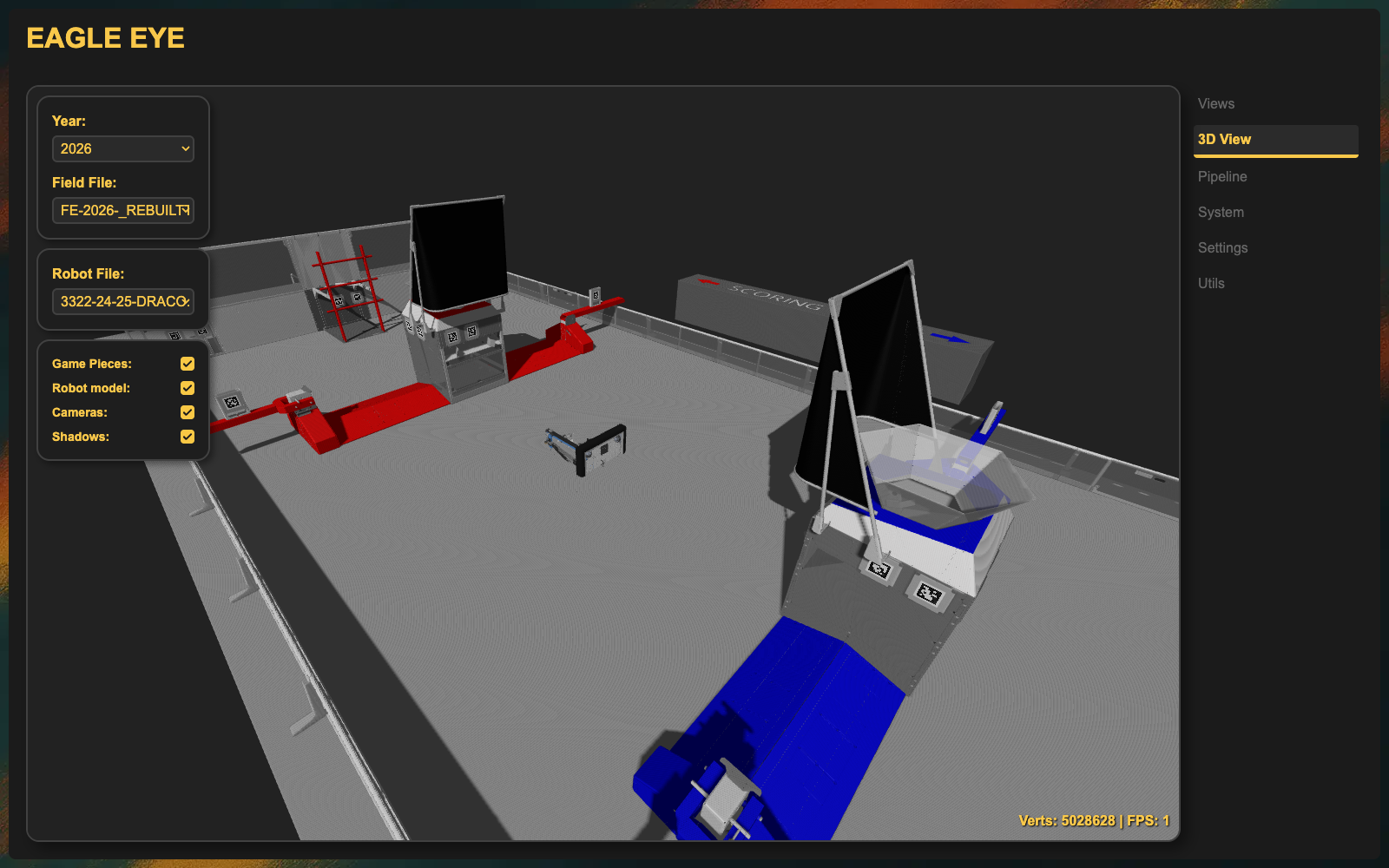
Check pose on the field
The 3D view makes bad camera placement and pose jumps obvious.
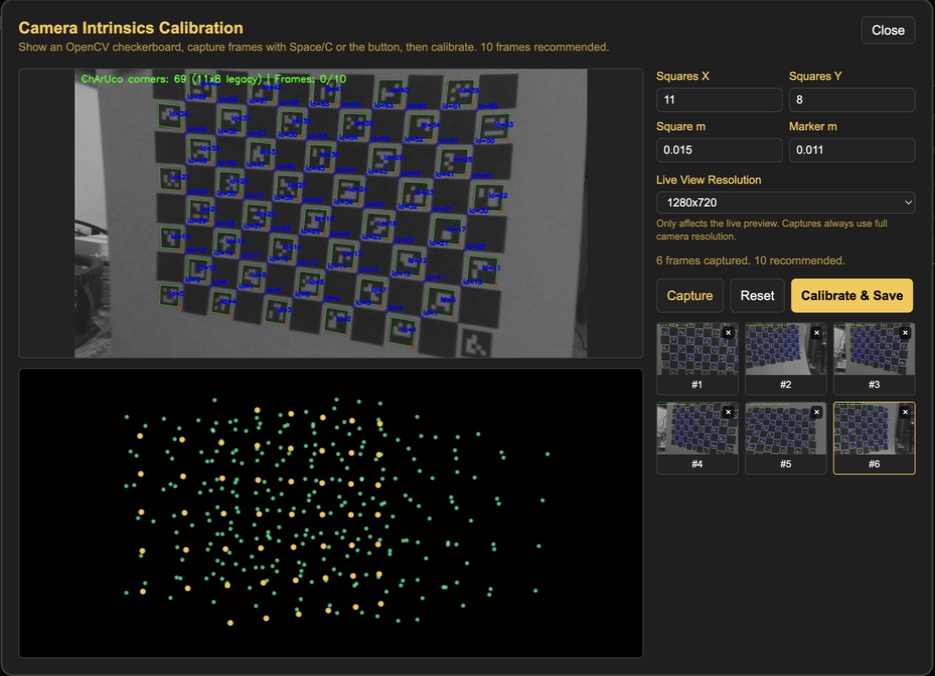
Calibrate in the browser
See detected ChArUco corners and coverage while collecting calibration frames.
Run the device
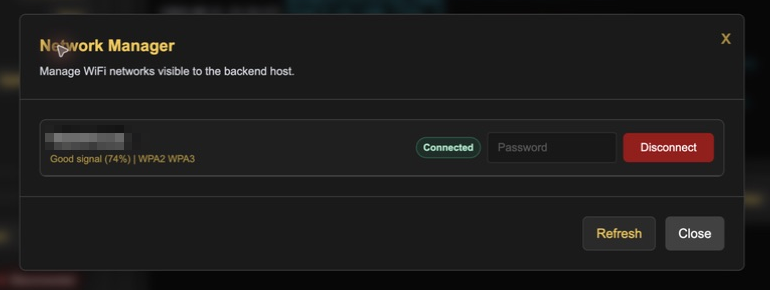
Connect Wi-Fi, read logs, restart the backend, or use the built-in terminal.
See what each operation sees
Tune preprocessing beside its live output, then keep the graph running.